
System Reset and Augments Explained
A spoiler-light explanation of prestige points, permanent branches, and safe reset decisions.
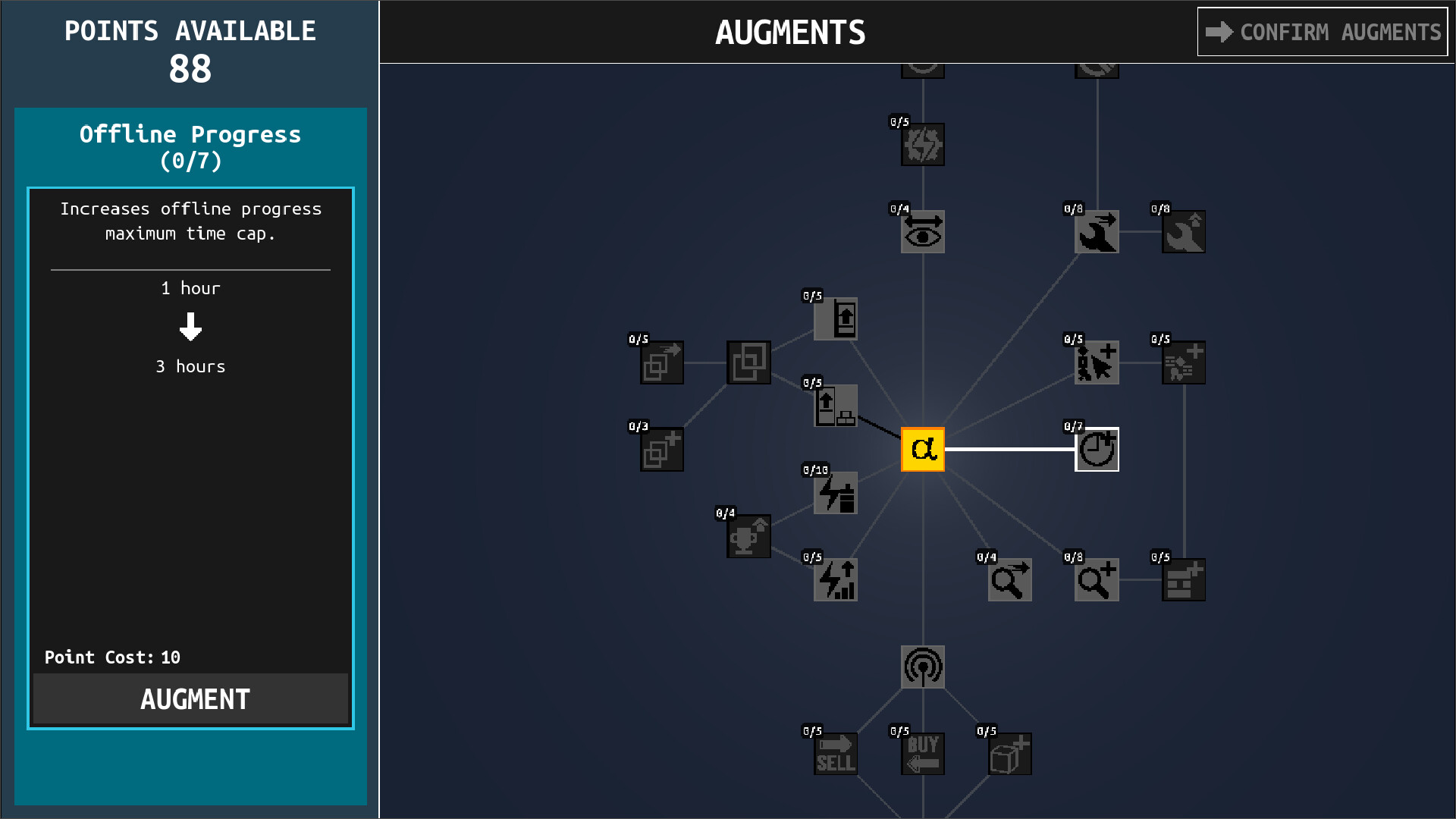
Table of contents
System Reset is the game’s prestige bridge: repaired infrastructure contributes to Augment points, and those points buy permanent branches that improve later runs.
This page explains the verified purpose of the loop. It does not claim an exact reward formula, retained-state list, best branch, or fastest reset time.
What Augments change
The official Augment interface shows a connected permanent-upgrade tree. One visible branch is Offline Progress, which increases the maximum offline progress time cap.
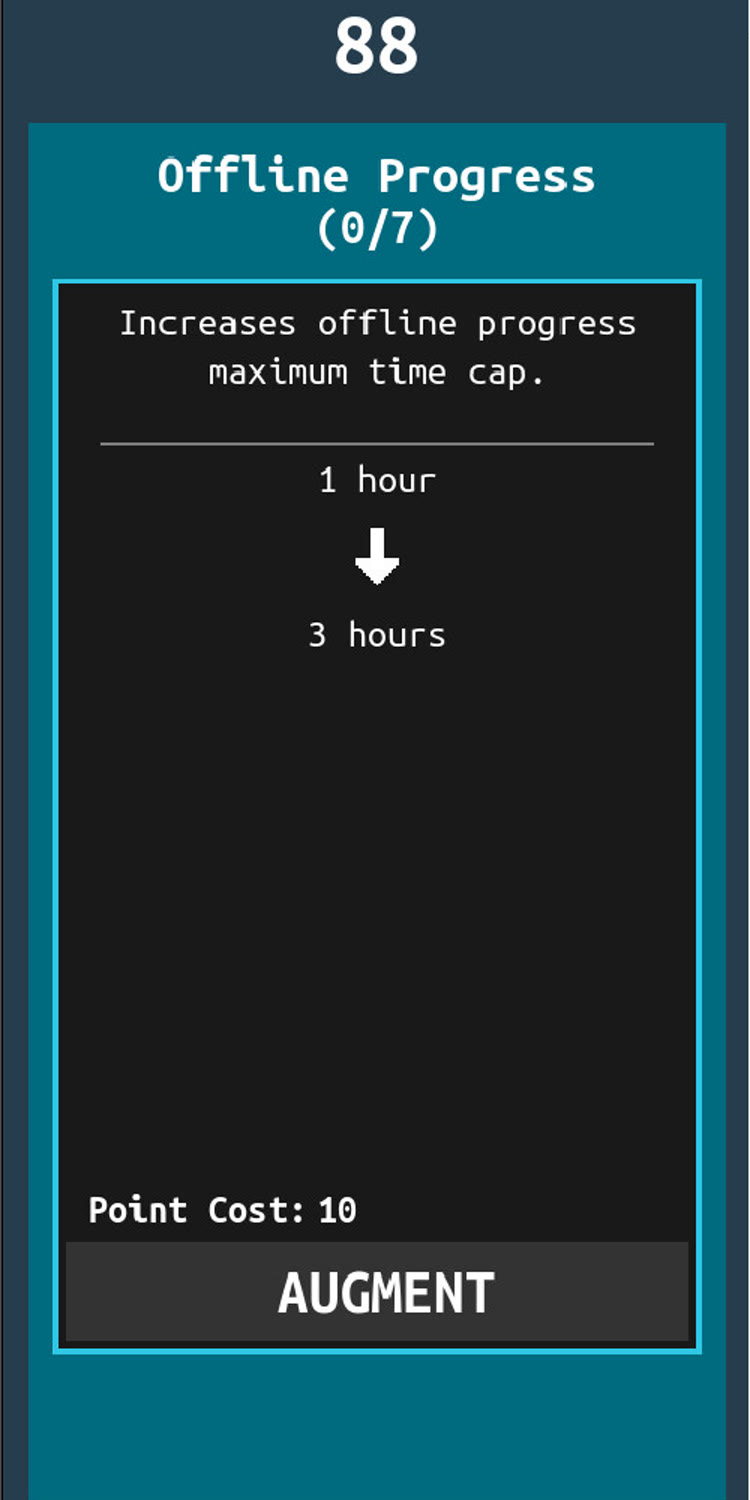
That screenshot proves the branch exists and illustrates how a node previews its effect and point cost. It is not a promise that the displayed cost or every value will remain unchanged after balance updates.
Before confirming a reset
Use the reset screen itself as the final authority. Check:
- how many Augment points the current run will award;
- what the confirmation says will be reset;
- which permanent node addresses the bottleneck that ended this run;
- whether one more reachable Reactor, Spire, or repair would materially change the reward;
- whether you have finished any near-complete achievement or Terminal task you care about.
Also check active delivery tasks and their Task Items. A Reset is a progression decision, not the first troubleshooting response to items that failed to clear. Use Task Items and Delivery Troubleshooting to separate the fixed v1.0.8 screen-transition bug from a current regression.
Make the preview measurable
Before and after one more infrastructure repair, record only what the current preview shows:
| Check | Why it matters |
|---|---|
| Current award | Establishes the run's present Reset value |
| Next Augment cost and visible effect | Ties the Reset to a real bottleneck |
| Next reachable Reactor or Spire | Shows what delaying the Reset is meant to gain |
| Active Terminal repair | Prevents abandoning work without checking its current transition rules |
| Near-complete delivery or achievement | Separates progression timing from inventory cleanup |
If the preview does not change after a completed repair, confirm the structure's state and reopen the preview before assuming a reward formula. Exact point formulas and universal first-Reset times are not established here.
After the Reset
- confirm the purchased permanent node is still active;
- read Status before rebuilding the previous body layout;
- restore one energy chain and verify a positive rate;
- reach one visible POI before enabling several automation options;
- if Augments crashes on the current version, record whether the Map is still rendering and use the crash isolation checklist.
Post-Reset verification keeps a progression choice separate from a current crash, Map, or connection regression.
Choose by bottleneck, not by a universal tier list
A useful first permanent choice should solve a problem you actually observed: offline time, slow access to energy, limited space, or another branch shown in your current game. A global “best” order would require repeatable full-release comparison data that is not available here.
Read Reactors and Spires for the infrastructure
side of the loop. Use the achievement list to see
the exact OMEGA requirement and other permanent-progress goals.
Related guides
What Reactors and Spires Do
Learn why Reactors and Spires matter to the prestige loop and why their demo behavior can be misleading.
Read guideMap, POIs, Terminals, and Survivor Groups
Unlock travel, choose useful points of interest, repair infrastructure, and understand the four survivor-group goals.
Read guideAll IDLE_DIRECTIVE Achievements
Look up all 43 achievement names, the 42 public requirements, and the one honestly labeled hidden requirement.
Read guideTask Items and Delivery Troubleshooting
Verify delivery task completion, rewards, and Task Item removal, then separate the fixed v1.0.8 screen-transition bug from a current regression.
Read guideCrashes, Lag, and Performance Troubleshooting
Check current crash fixes, isolate Map, Augment, energy-text, Actions, and late-game lag symptoms, and protect save recovery options.
Read guide