
Auto Explore and Auto Repair Guide
A version-aware setup and troubleshooting route for unattended POI collection and infrastructure repair.
Table of contents
Map automation becomes useful only when it makes a complete trip observable: choose a destination class, define when the machine should leave, provide room for the result, and watch one full visit before letting the route run alone.
This guide uses the behavior reviewed through v1.0.8. If your version is older, update before treating a skip, jitter, or early departure as a layout problem.
Set up one measurable route
- Confirm the automation controls are unlocked. These controls belong to later progression. Use the current Augment tree as the authority for their node and cost rather than an old screenshot or remembered value.
- Choose one purpose. Start with either resource collection or infrastructure repair. Mixing every destination and repair option makes an unexpected stop difficult to diagnose.
- Select a leave condition intentionally. If
METAL AND BIOMASS EXHAUSTEDis selected, the current behavior should wait for both resource categories rather than leaving as soon as only one is empty. - Provide working capacity. Leave inventory or storage room for the item or resource you expect. A correct route cannot make a full destination accept more output.
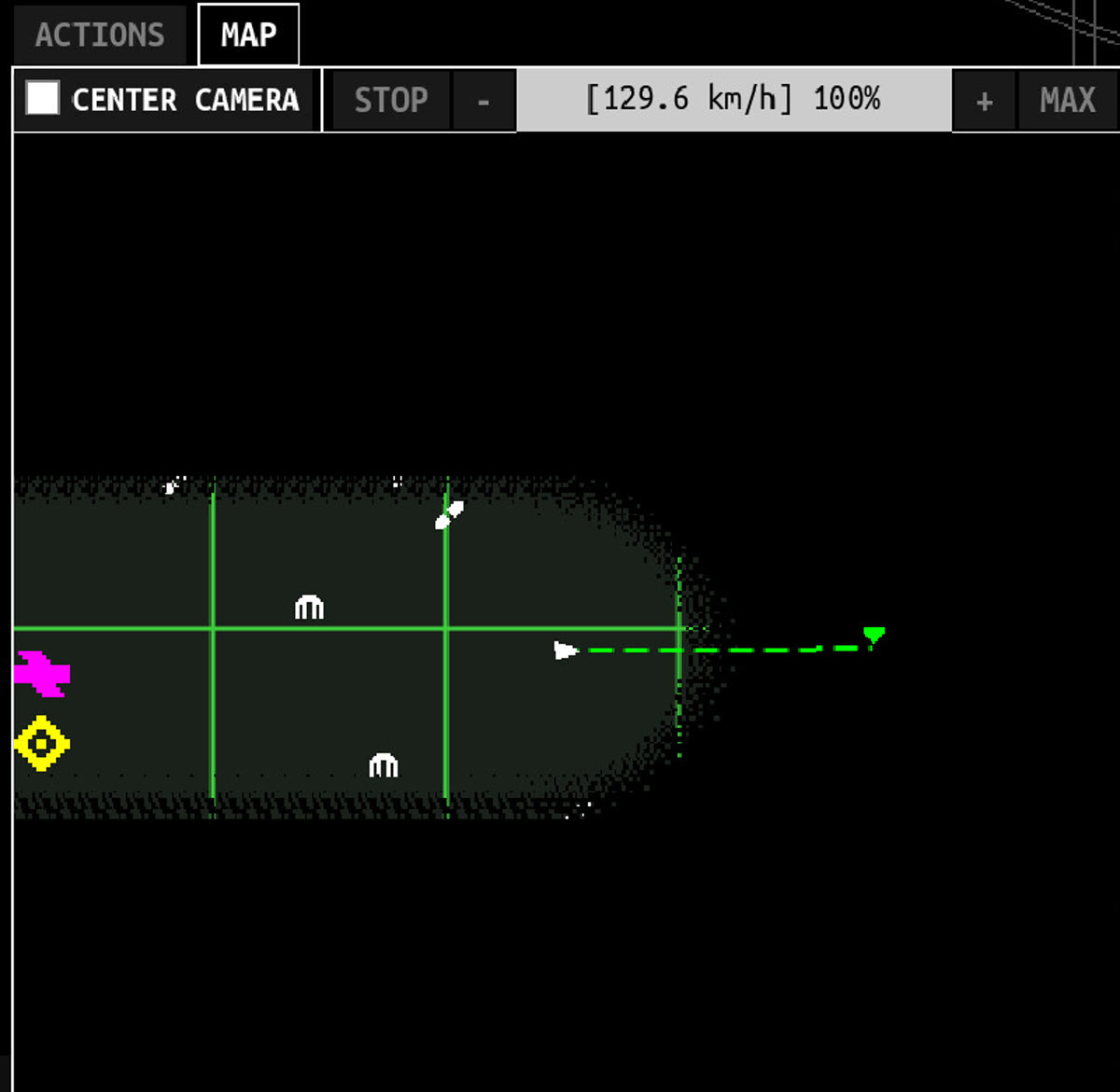
- Watch a complete visit. Confirm travel begins, the selected POI is reached, work actually starts, and the chosen leave condition becomes true before the next destination is selected.
Use the connection diagnostic when the route arrives correctly but a Harvester, Salvager, Grabber, or storage chain does not do its job.
Auto Repair needs a different success check
Auto Repair is not complete when the machine merely reaches a Reactor. The current route should remain there while the repair runs, then evaluate energy and Biomass after the repair finishes.
A safe test is:
- turn off unrelated POI destinations;
- enable only the repair target you want to observe;
- begin with enough energy and Biomass for the visible requirement;
- verify that the repair countdown starts;
- wait for completion before judging the departure decision;
- confirm the repaired state before adding more automation options.
The wait-before-leaving behavior was corrected in v1.0.5. If a current build still departs during the countdown, record the version, selected options, resource levels, and target type before changing the body grid.
Version-aware symptom check
| Symptom | Current baseline | What to check next |
|---|---|---|
| Leaves when only Metal or Biomass is empty | The combined exhaustion option was corrected in v1.0.2 | Confirm the selected leave condition and game version |
| Auto Repair and Auto Explore fight over movement | Their interaction received fixes in v1.0.4 and v1.0.5 | Test repair and resource travel separately |
| Jitters or stalls near a world edge | Edge travel was corrected in v1.0.5 | Reproduce once on the current version with one destination type |
| Leaves a Reactor before repair completes | Auto Repair should wait as of v1.0.5 | Confirm the repair timer actually started and resources remain available |
| Automation stops during a wake-up loop | v1.0.6 deliberately turns Auto Explore off in that state | Stabilize energy, wake the machine, then re-enable the route deliberately |
| Fog reveal appears offset from the player | v1.0.8 changed fog rendering as an attempted fix, but the developer could not reproduce the drift | Disable automation, select a manual visible destination, and report a repeatable current-version sequence |
Keep the route safe to leave running
- Keep a positive energy rate under active work, not only while every machine is idle.
- Decide what should happen when storage fills before enabling a long route.
- Use one leave condition you can recognize from the Map and resource panels.
- Do not combine a newly unlocked repair option with a newly rebuilt grid in the same test.
- After a patch, recheck one short route before restoring a long unattended sequence.
When the route is slow, crashes, or cannot select a target
- If the game crashes while Map rendering, energy text, or another screen is active, preserve the route state and use the crash and performance checklist.
- If two POI markers occupy the same position, temporarily use Map Settings to highlight a different POI type and test whether the intended marker becomes selectable. This is a temporary selection test, not a confirmed Map fix.
- If a delivery reaches its destination but Task Items remain, verify v1.0.8 and follow the Task Items delivery checks.
- If automation works but the active energy rate turns negative, diagnose the energy rate and capacity before extending the route.
For manual travel prerequisites and POI roles, use the Map and POI guide. For the permanent-progress side of infrastructure repairs, continue to Reactors and Spires.
Related guides
Map, POIs, Terminals, and Survivor Groups
Unlock travel, choose useful points of interest, repair infrastructure, and understand the four survivor-group goals.
Read guideInventory Connections and Grid Troubleshooting
Check component ports, orientation, timing, storage, and energy when an item looks connected but does not run.
Read guideTerminal Repair and Reset Progress
Learn when Terminal repair progress survives System Reset, what submitted items do not persist, and why legacy six-hour timers can remain.
Read guideWhat Reactors and Spires Do
Learn why Reactors and Spires matter to the prestige loop and why their demo behavior can be misleading.
Read guideIDLE_DIRECTIVE Updates and Patch Notes
Review the player-facing changes in IDLE_DIRECTIVE v1.0.2 through v1.0.6, including maps, repairs, saves, items, and progression.
Read guideCrashes, Lag, and Performance Troubleshooting
Check current crash fixes, isolate Map, Augment, energy-text, Actions, and late-game lag symptoms, and protect save recovery options.
Read guideTask Items and Delivery Troubleshooting
Verify delivery task completion, rewards, and Task Item removal, then separate the fixed v1.0.8 screen-transition bug from a current regression.
Read guideEnergy Efficiency and Capacity Milestones
See the five official efficiency thresholds and five capacity thresholds, then diagnose a stalled power grid.
Read guide