
IDLE_DIRECTIVE Beginner Guide
A spoiler-light first route from the opening Pulser to travel and POI repairs.
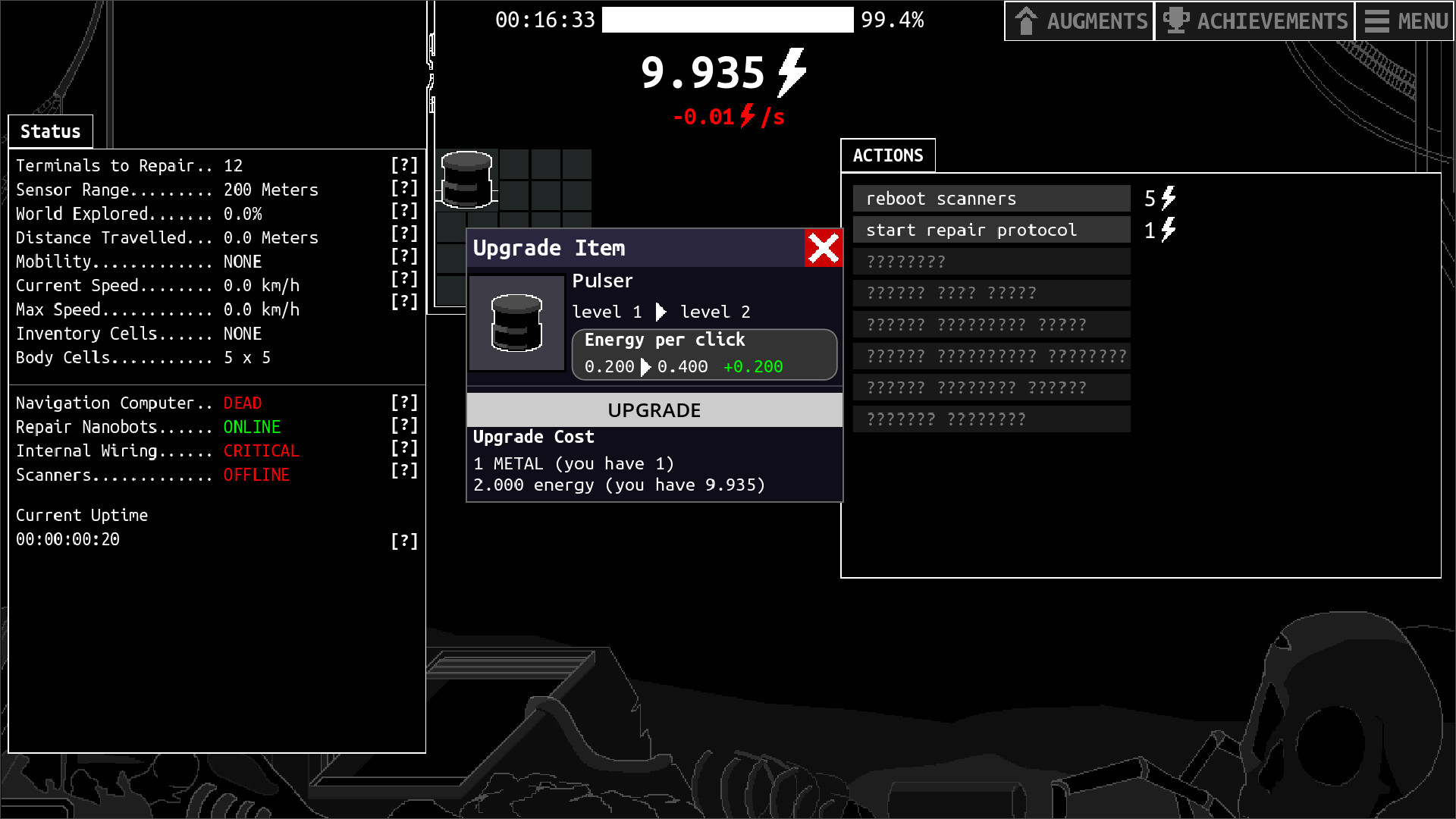
Table of contents
Your first objective is not to fill every empty body cell. It is to create a small, understandable energy loop, read what the machine says is broken, and unlock the systems that let you travel.
Read Status before moving anything
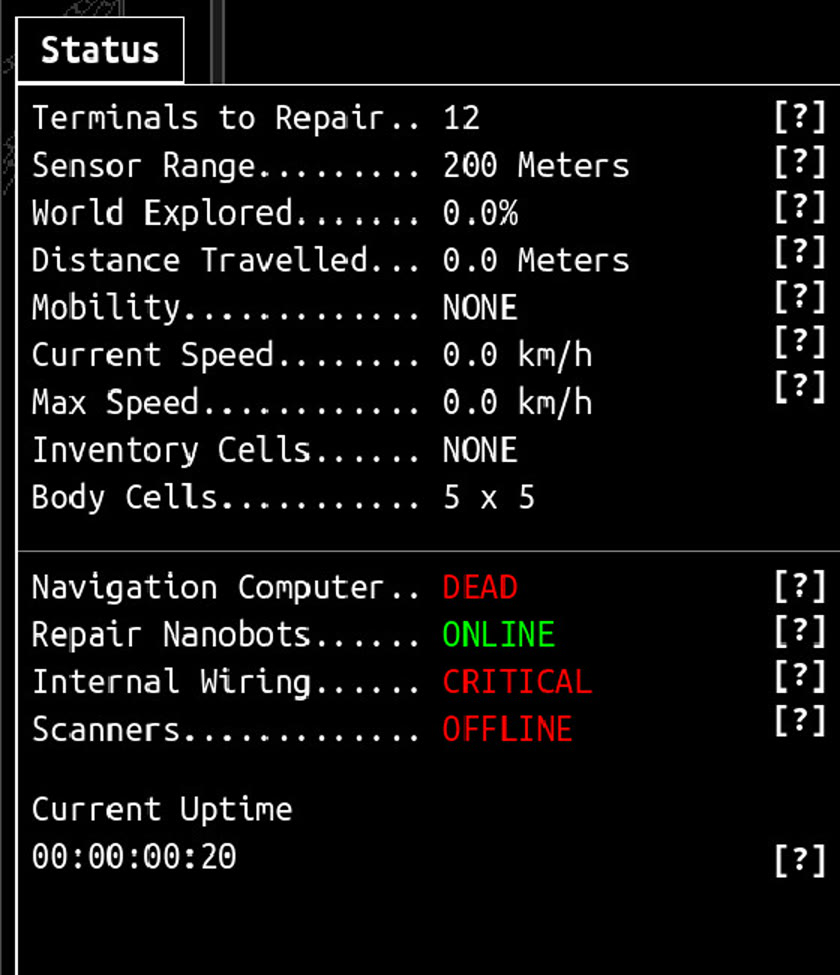
The opening Status panel separates long-term objectives from immediate faults. In the reviewed starting interface, Navigation is dead, Internal Wiring is critical, Scanners are offline, Mobility is absent, and only the Repair Nanobots are online. That makes the useful order clear: power the machine, restore the systems that reveal and hold useful parts, then build toward Navigation and Mobility.
A safe first-run route
- Make the energy rate positive. Keep the opening Pulser connected and upgrade only while current energy continues to recover.
- Use the Actions panel. The starting interface offers actions for rebooting Scanners and beginning the repair protocol. Read their costs before committing energy.
- Restore information before expansion. Working Scanners and repair systems help you find useful items and make progress legible.
- Protect inventory space. Do not keep every low-value part merely because it fits. Leave room for a component that solves the next bottleneck.
- Repair Navigation and obtain Mobility. The Map is useful only after the Navigation Computer is repaired and the machine can move.
- Set a destination on the Map. Camera movement and Mobility do not begin a trip by themselves; choose a visible destination and confirm that speed and ETA change.
- Choose the next POI for a reason. Travel should unlock a needed resource, repair, or progression target—not simply increase distance.
Stop checks
Pause before adding another consumer when any of these is true:
- current energy is falling and you do not know which active item caused it;
- a component has no clear connected destination;
- storage or inventory is full;
- the next repair would leave no reserve for the component that uses it;
- Navigation is repaired but Mobility is still missing.
- the current Map remains at
Render 0/0for more than 30 seconds after a generation attempt.
If a component looks connected but remains inactive, follow the connection diagnostic. For Biomass power, use the exact Cell and Bio Generator sequence. If the body is crowded but otherwise healthy, reproduce it in the community Body Grid Planner before moving several chains.
What this route does not promise
This is a spoiler-light launch route, not a proven fastest build. Item drops, grid shape, and balance can change. The durable rule is to keep each repair measurable: confirm energy, confirm the new system’s state, and only then add the next dependency.
Related guides
Inventory Connections and Grid Troubleshooting
Check component ports, orientation, timing, storage, and energy when an item looks connected but does not run.
Read guideMap, POIs, Terminals, and Survivor Groups
Unlock travel, choose useful points of interest, repair infrastructure, and understand the four survivor-group goals.
Read guideEnergy Efficiency and Capacity Milestones
See the five official efficiency thresholds and five capacity thresholds, then diagnose a stalled power grid.
Read guideIDLE_DIRECTIVE Body Grid Planner
Use Zdendys79’s community Body Grid Planner, learn its fast and SMART modes, and transfer a layout without dismantling a working grid at once.
Read guide